Physical Address
304 North Cardinal St.
Dorchester Center, MA 02124
Physical Address
304 North Cardinal St.
Dorchester Center, MA 02124

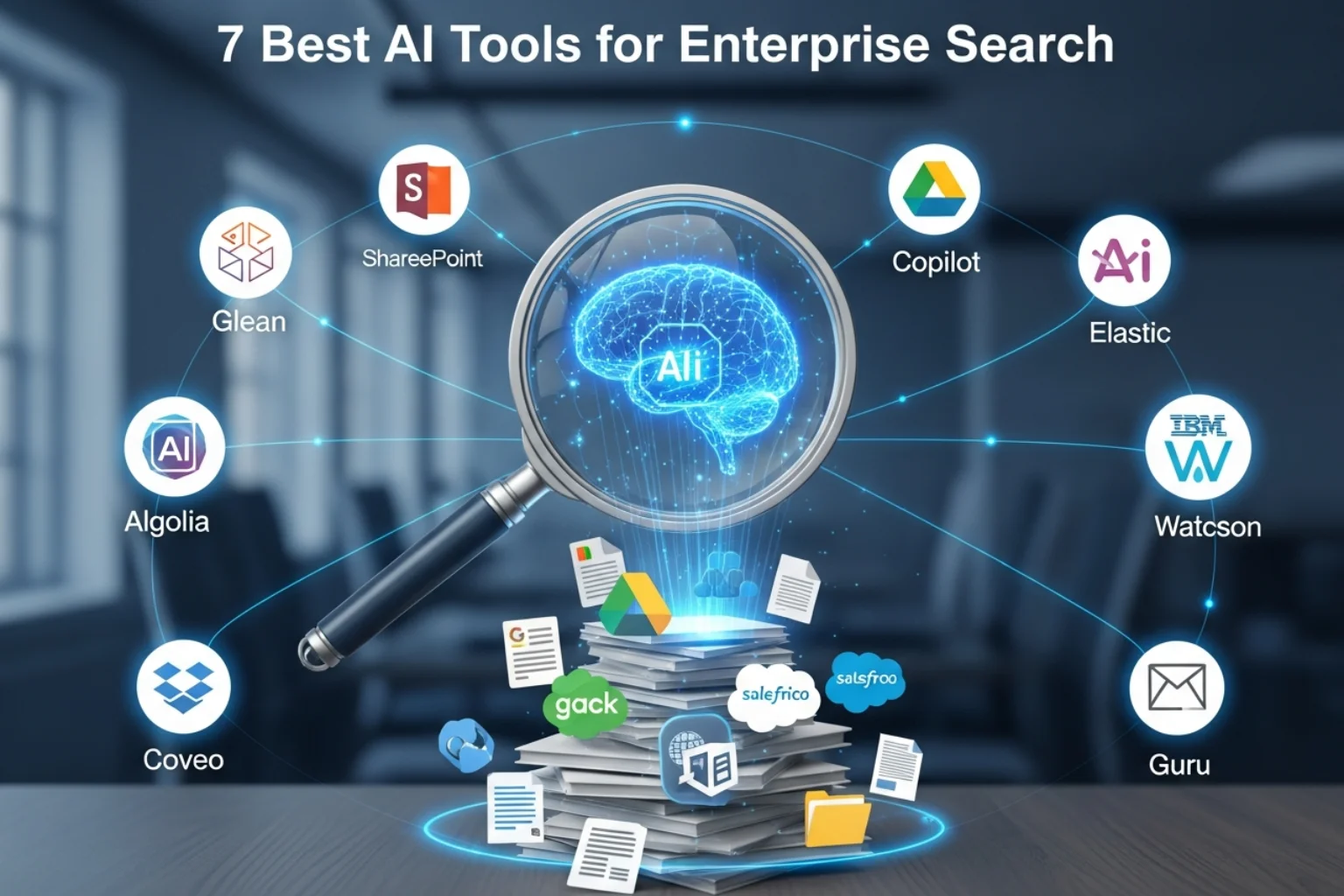
Enterprises don’t suffer from a lack of data. They suffer from not being able to find it.
Internal documents sit across SharePoint, Google Drive, Slack, Notion, Salesforce, Confluence, Dropbox, and countless legacy systems.
Employees waste hours every week searching for the right file, the latest policy, or the correct sales collateral.
According to multiple industry studies, knowledge workers spend up to 20–30% of their time looking for information.
That’s not just inefficient, it’s expensive.
Modern AI-powered enterprise search tools solve this by using natural language processing (NLP), vector search, semantic indexing, and large language models (LLMs) to unify and intelligently surface information across systems.
Instead of keyword-based retrieval, these platforms understand intent and context.
If you’re evaluating the best AI tools for enterprise search, this guide breaks down the top platforms, pricing structures, strengths, and who they’re best suited for so you can make a confident, ROI-driven decision.
| Tool | Best For | Key Strength | Pricing Style | Deployment |
| Glean | Large enterprises | Deep cross-app indexing + AI answers | Custom enterprise pricing | Cloud |
| Microsoft Copilot + Microsoft Search | Microsoft ecosystem companies | Native M365 integration | Per user license | Cloud |
| Elastic Enterprise Search | Technical teams | Highly customizable AI search | Usage-based / license | Cloud & Self-hosted |
| Algolia AI Search | Product & digital experience teams | Fast semantic + vector search | Usage-based | Cloud |
| Coveo | Customer support & commerce | AI relevance + personalization | Enterprise pricing | Cloud |
| IBM Watson Discovery | Regulated industries | Advanced NLP + compliance | Enterprise pricing | Cloud |
| Guru Enterprise Search | Mid-market teams | Knowledge base + AI retrieval | Per user pricing | Cloud |
Overview
Glean has rapidly become a leader in AI-driven enterprise knowledge search. It connects to over 100 workplace apps and uses LLM-powered summarization to provide direct answers instead of links.
It’s purpose-built for large organizations struggling with information sprawl.
Key Features
Pros
Cons
Best For
Large enterprises with 500+ employees using multiple SaaS tools.
Pricing Overview
Custom enterprise pricing (typically annual contracts).
Overview
If your organization runs on Microsoft 365, this is the most seamless option. Copilot integrates AI directly into SharePoint, Teams, Outlook, and OneDrive.
Key Features
Pros
Cons
Best For
Companies heavily invested in Microsoft 365.
Pricing Overview
Typically $30 per user/month for Copilot (varies by plan).
Overview
Built on Elasticsearch, this is ideal for companies wanting full control over their AI search architecture.
Key Features
Pros
Cons
Best For
Engineering-led organizations need custom AI retrieval systems.
Pricing Overview
Usage-based cloud pricing or self-managed deployment.
Overview
Algolia is known for lightning-fast search experiences. With AI enhancements and vector search, it now competes in enterprise-grade semantic search.
Key Features
Pros
Cons
Best For
Product-led companies and SaaS businesses.
Pricing Overview
Usage-based pricing.
Overview
Coveo focuses on AI relevance and personalization across support, commerce, and enterprise knowledge.
Key Features
Pros
Cons
Best For
Enterprises optimizing customer support and digital commerce.
Pricing Overview
Enterprise contract pricing.
Overview
IBM’s AI-powered enterprise search platform focuses heavily on regulated industries like healthcare, finance, and government.
Key Features
Pros
Cons
Best For
Highly regulated industries.
Pricing Overview
Custom enterprise pricing.
Overview
Guru blends knowledge management with AI retrieval. It’s popular among mid-sized companies.
Key Features
Pros
Cons
Best For
Mid-market companies and fast-growing teams.
Pricing Overview
Per user pricing (tiered plans).
When evaluating platforms, focus on:
Keyword matching is outdated. Look for LLM-powered semantic understanding.
The tool must respect document-level access control.
Ensure compatibility with:
Can it handle millions of documents?
Direct answers improve productivity dramatically.
Search insights help optimize knowledge architecture.
Employees find answers instantly instead of digging through folders.
New hires access institutional knowledge effortlessly.
Leadership retrieves insights across departments quickly.
Less duplicated work, fewer repeated support tickets.
Institutional memory becomes searchable and structured.
List every SaaS tool and document repository.
Internal knowledge? Customer support? Product search?
Highly regulated industries require compliance-grade tools.
Developer-heavy team? Elastic may work.
Non-technical org? Glean or Microsoft.
Compare cost vs:
A global SaaS company uses Glean to index:
Result:
A mid-sized agency implements Guru:
Result:
May You Like: Best AI for Law Students
It’s an AI-powered system that retrieves and summarizes information across internal business systems using semantic understanding.
AI search understands context and intent rather than just matching keywords.
Microsoft Copilot, combined with Microsoft Search,h is ideal for M365-heavy organizations.
Yes—leading platforms enforce document-level permissions and enterprise-grade encryption.
If you’re a large enterprise seeking turnkey AI-powered knowledge discovery, Glean is currently the strongest all-around solution.
If your organization lives inside Microsoft 365, Copilot + Microsoft Search offers the best native integration and ROI.
For technical teams wanting full control and customization, Elastic Enterprise Search is unmatched.
Customer-support-driven companies should strongly consider Coveo, while regulated industries benefit from IBM Watson Discovery.
Mid-market teams looking for affordability and ease of use will find Guru highly effective.
The best AI tools for enterprise search aren’t just about retrieval—they’re about unlocking productivity, protecting institutional knowledge, and accelerating decision-making across your organization.
The right platform won’t just improve search. It will transform how your company thinks, collaborates, and executes.